3D printed gifts you design yourself
A gift from your printer is personal when it shows something of the person who gets it: their street, their run, their dog, their song. Every idea below is a free maker that runs in your browser. You design it in a few minutes, see it in 3D and download an STL or 3MF for your own printer.
A place that means something
-
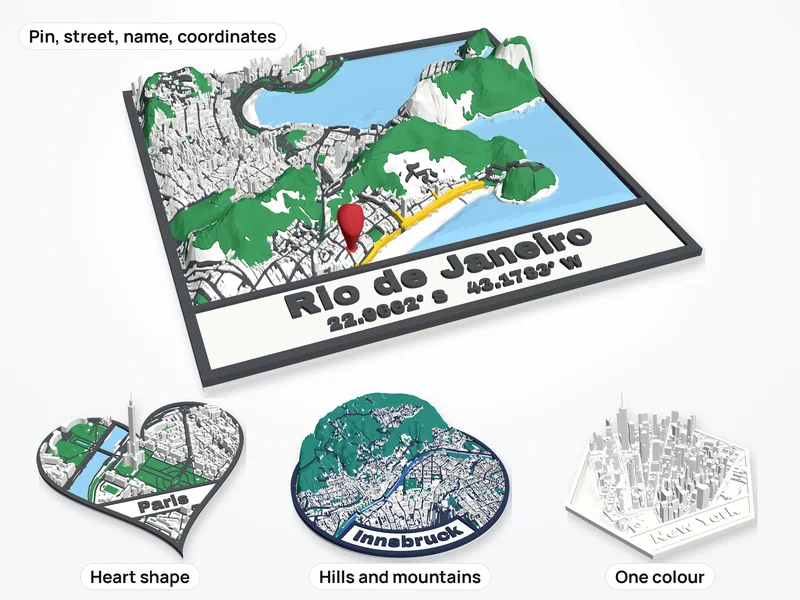
Map of their street or town
Buildings, streets, water, parks and real hills from OpenStreetMap. Pin the house they grew up in, put the name and coordinates on it, or make it a heart.
-
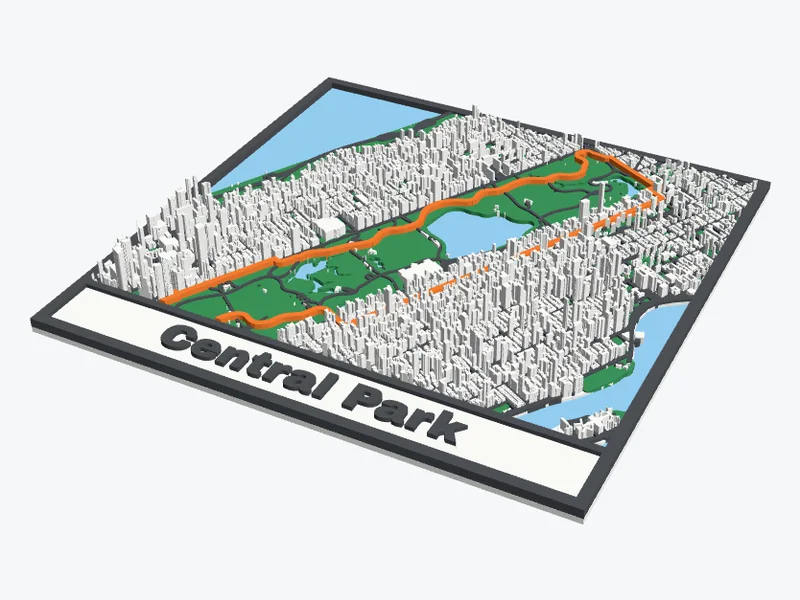
Their run, ride or hike
Upload the GPX file from Strava, Garmin or Komoot and the route is raised in its own colour over the real streets. Whole marathons fit.
-
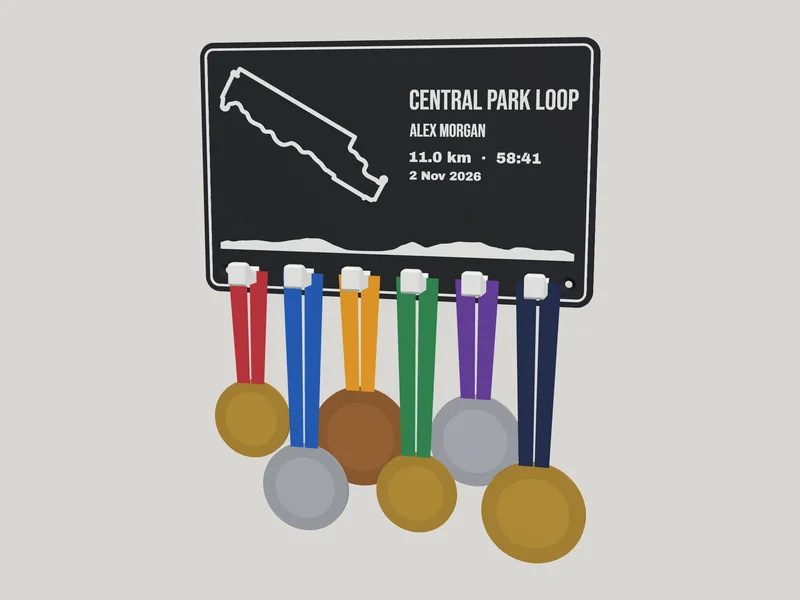
Medal hanger for a runner
The race they ran, its route and hills, their name and finish time, and hooks for the medals.
Their photos
-
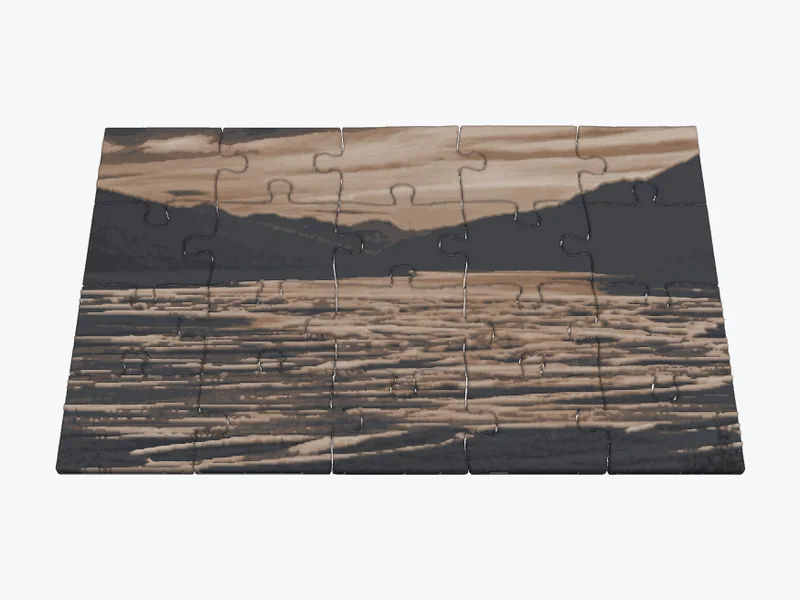
Photo puzzle
Their photo as a jigsaw printed in colour with a few filament swaps, 12 to 70 pieces, with a tray if you want one.
-
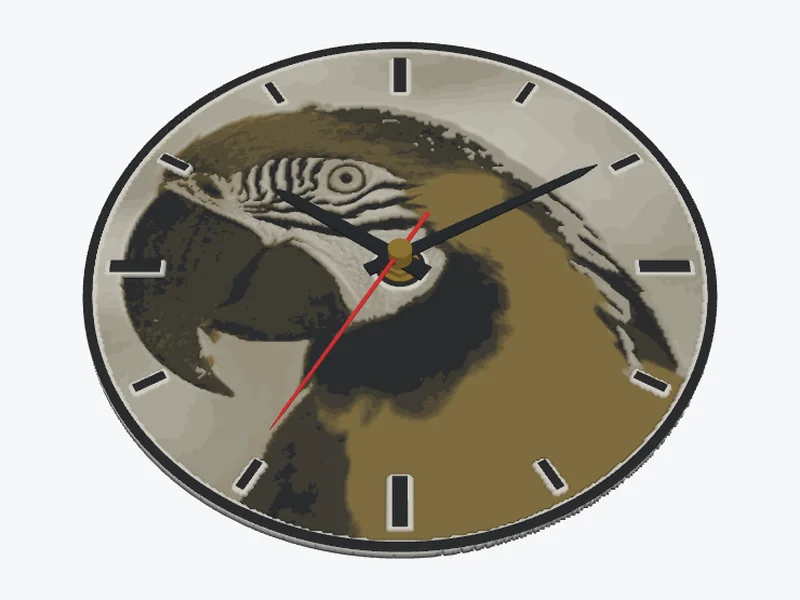
Photo wall clock
A clock face in colour for a standard quartz movement. The page lists what to buy.
-
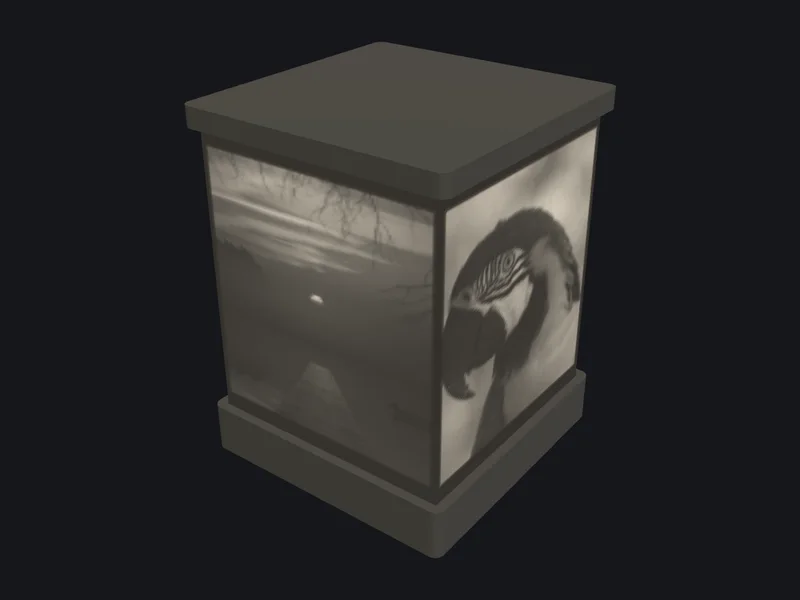
Lithophane night light
Up to six photos on a cube or hexagon lantern that glows with an LED tea light inside.
-
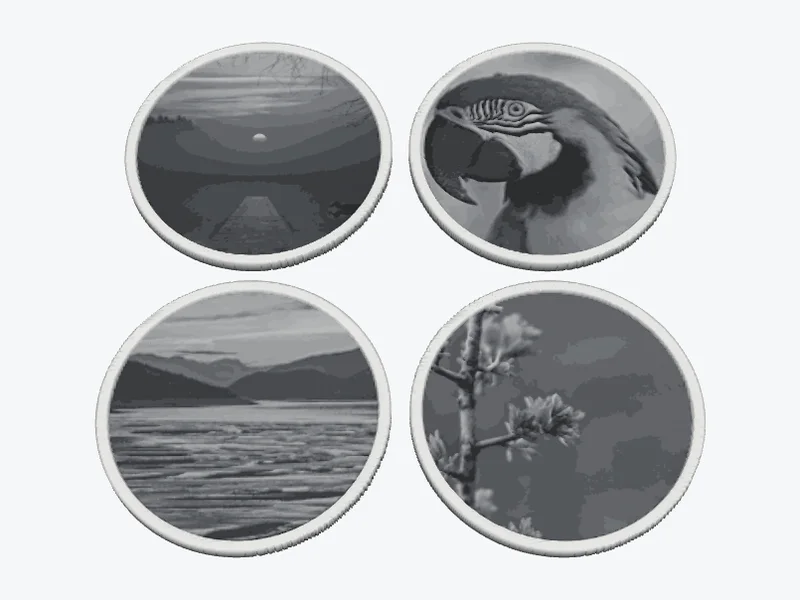
Photo coasters
A set of coasters with a picture each, a drip rim, recesses for rubber pads and a holder for the stack.
-
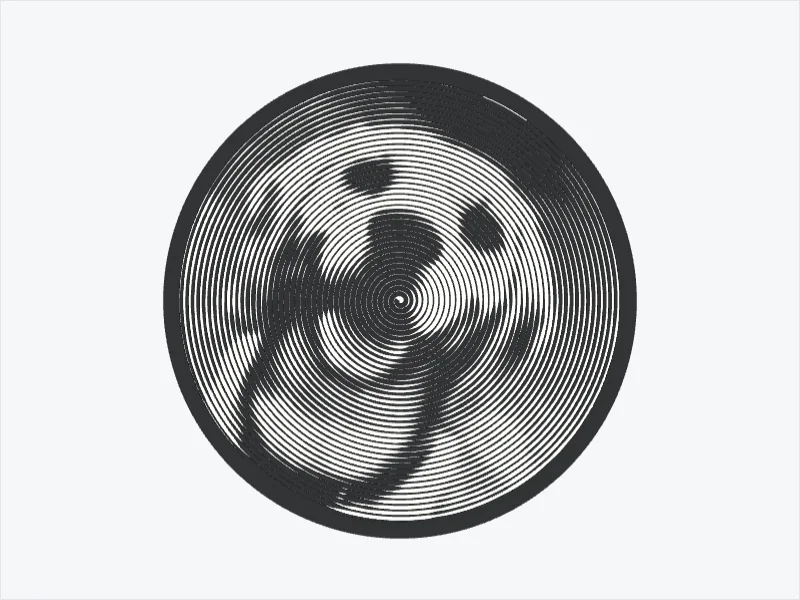
Spiral portrait
One line that winds out from the middle and draws their face or their pet. Two colours, one filament swap.
Their team, their song
-
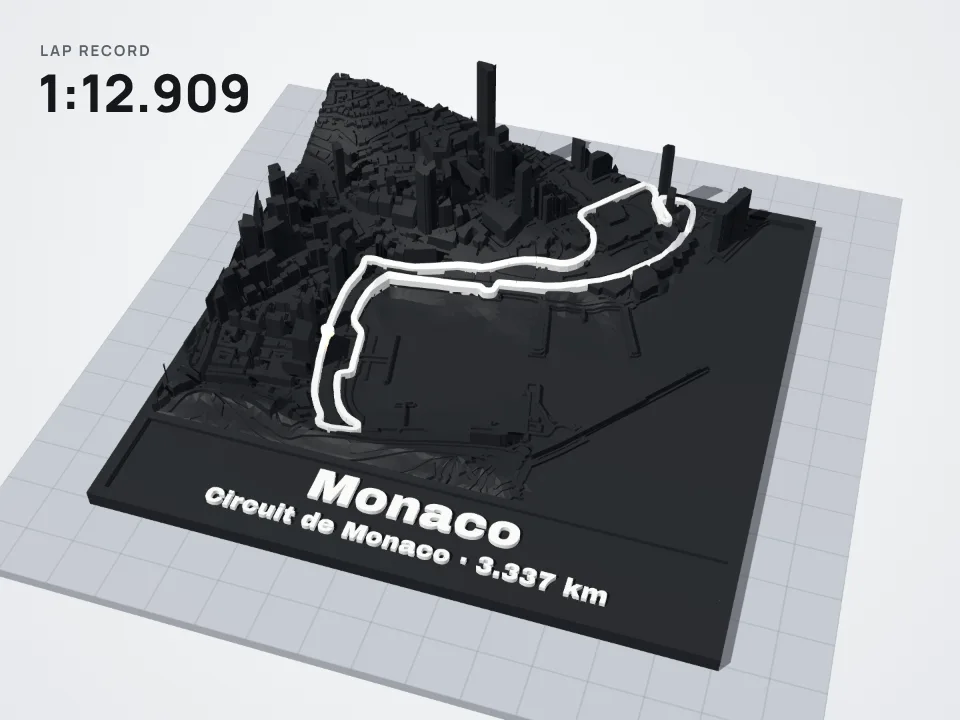
F1 circuit
Every circuit on the current calendar, from Monaco to Suzuka, the track in white over the real streets and hills.
-
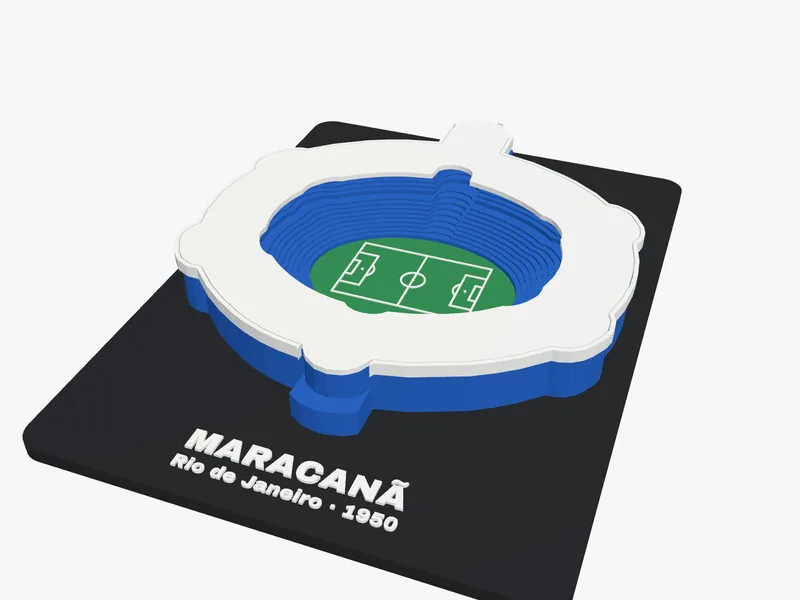
Football stadium
Maracanã, Camp Nou, Wembley, De Kuip and more, with a roof that lifts off and the name on the plinth.
-
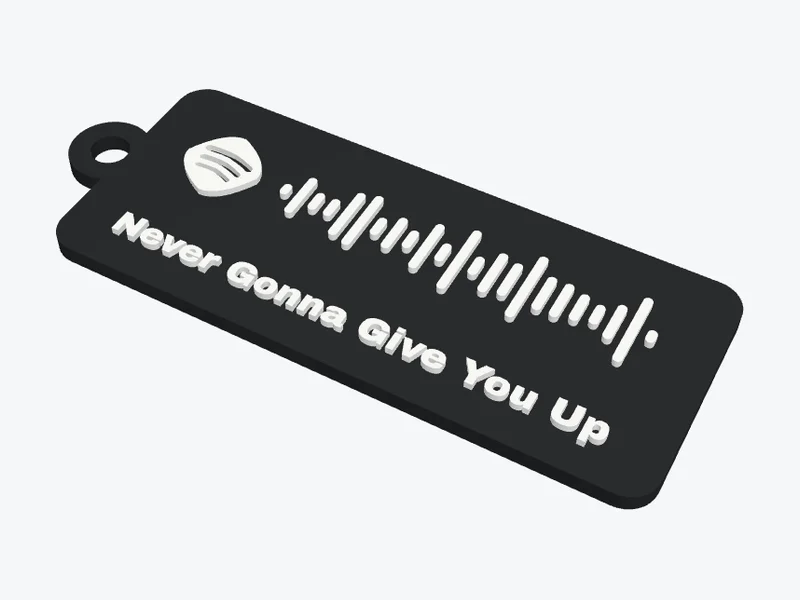
Their song as a Spotify code
Paste a Spotify link and print the scannable code as a keychain, plaque, coaster or magnet, with the title underneath.
Before you print
- Start early. The colour pieces print with thin layers and stop for filament swaps, so they take longer than a model of the same size. Leave time for a second try.
- No AMS needed. The photo makers print in colour by changing filament at set layers. How to add the changes in your slicer.
- Print a small test first for anything that has to fit, like a puzzle or a clock movement: the puzzle guide has the gap and settings.
Good to know
Are these makers free?
Yes. There is no account and no watermark, and you download the STL or 3MF straight away.
Do my photos get uploaded?
No. The photo makers run in your browser, so the photo stays on your device.
Do I need a multi-colour printer?
No. Any FDM printer works: the colour comes from swapping filament by hand at the layers the maker tells you. With an AMS or another multi-material printer you can load the 3MF and skip the swaps.
Looking for something to build together? The free 3D models include a music box you program yourself and a walking Strandbeest.
Start with a map