View, measure and repair STL files
Open an STL, OBJ or 3MF file to see it in 3D, check its size and weight, and find holes, flipped triangles and loose edges. One click repairs them. Download the result as STL or 3MF. Your file is never uploaded: everything happens on your own device.
Drag to rotate · right-drag to move · scroll or pinch to zoom
1 Your file
2 Check and repair
- No holesEvery edge is closed: the model is watertight.
- Clean edgesNo edge is shared by more than two triangles.
- Faces point outwardsNo flipped triangles, nothing inside out.
- No doublesNo triangle is in the file twice, none is a line or a point.
- PartsSeparate pieces in the file.
3 Size and position
4 Cut in two
For a model that is too big for your bed, or to print it without supports.
5 Filament
An estimate with 2 walls and solid top and bottom. Your slicer gives the exact weight.
Download
Open a file first.
- The download is placed as you see it: standing on the bed, turned and scaled.
- The 3MF keeps every part as its own object, so you can give each its own filament in the slicer.
Design a model in your browser
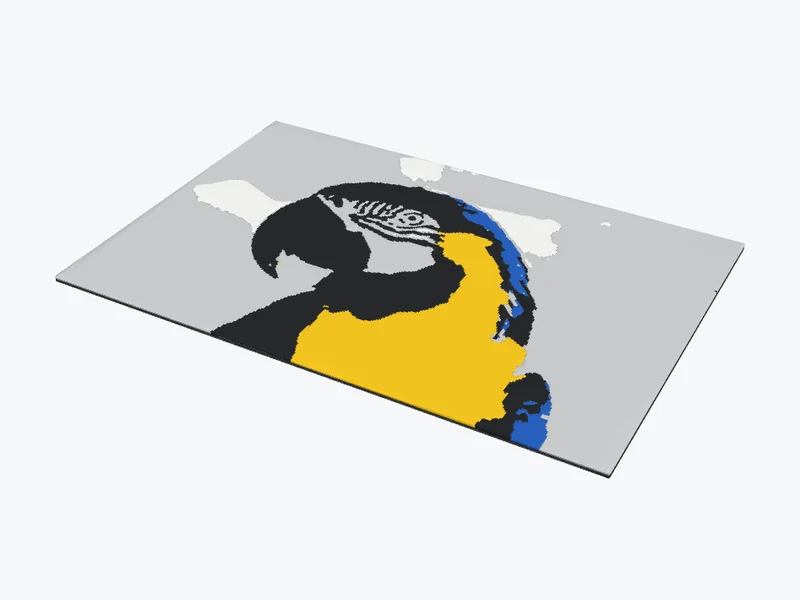
Photo to STL
Any photo as a colour print with a few filament swaps, or as a 3D relief in one filament.
Turn a photo into an STL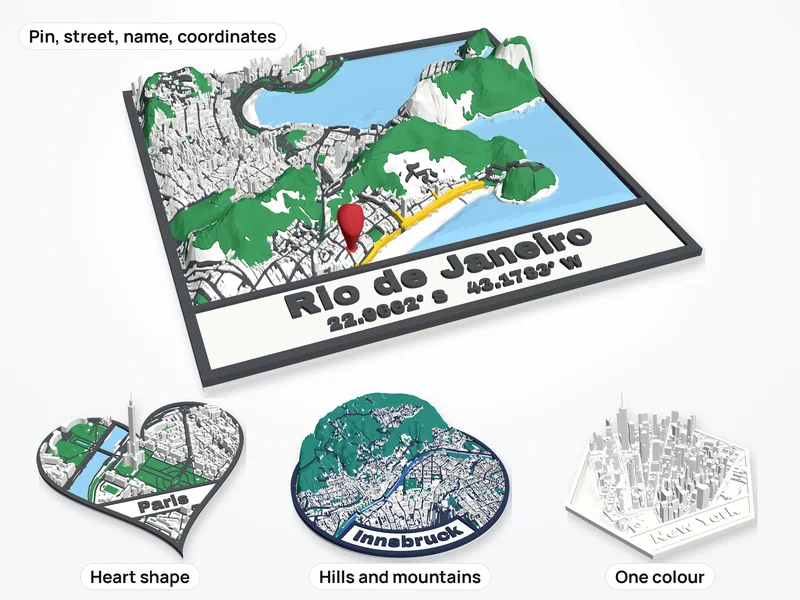
Map to STL
Any town, street or route as a 3D map with buildings, water and real hills.
Make a 3D map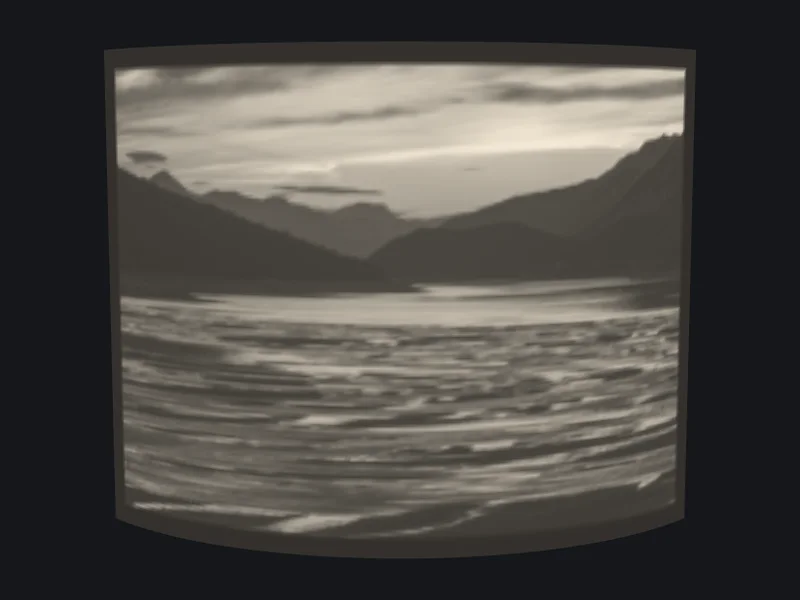
Lithophane
A thin print that shows your photo when light shines through it. Curved, round or as a lamp shade.
Make a lithophane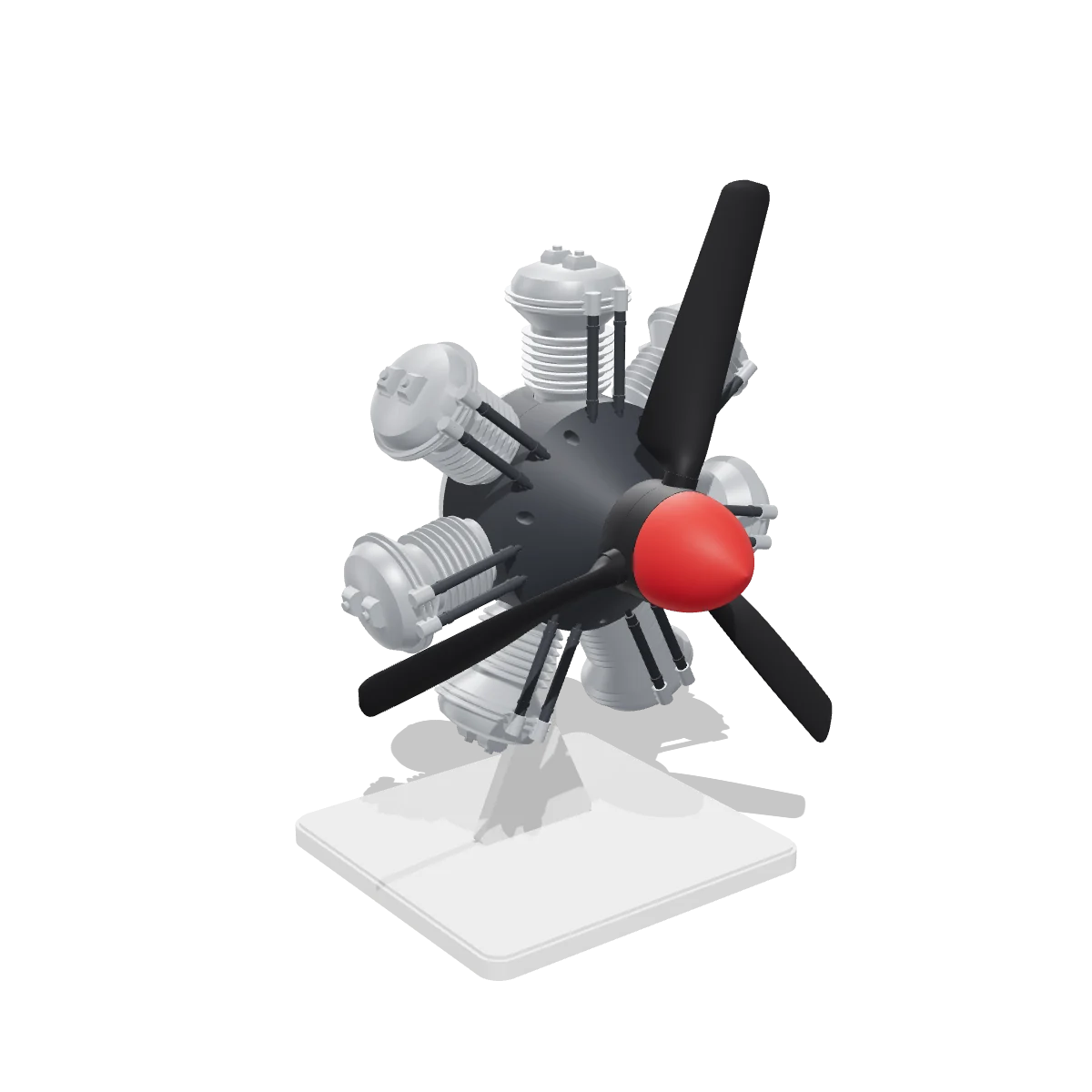
Free 3D models
Engines, gearboxes, clocks and kinetic art that really move, with every part and the print settings.
See the modelsGood to know
Is my file uploaded?
No. Your browser reads, checks and repairs the file on your own device. Nothing is sent to a server, so it is fine for files you are not allowed to share.
What does the repair fix?
Holes, triangles that face the wrong way, models that are inside out, triangles that are in the file twice, edges shared by more than two triangles, and corners that sit a hair apart. Parts that overlap are merged into one solid. The result is checked again, so you can see that it is watertight.
What do "not watertight" and "non-manifold" mean?
A printable model is a closed skin: every edge belongs to exactly two triangles. An edge with only one triangle is the rim of a hole, and the model is not watertight. An edge with three or more is non-manifold. A slicer has to guess what such a model looks like inside, which can give missing walls, strange infill or a failed print.
Can I convert STL to 3MF, or 3MF and OBJ to STL?
Yes. Open the file and download it as STL or 3MF. With several files open, the 3MF keeps each one as its own object, placed as you see them on the bed, so you can give each part its own filament.
My model is tiny. What happened?
STL files have no units, and it was probably drawn in inches or metres. Under Size and position, pick the unit it was drawn in and it is scaled to millimetres.
How big a file can it open?
Files with a few million triangles open on a computer. Phones have less memory, so very big files can be slow there or not open at all.
Can it fix every file?
It fixes the problems slicers trip over most. A model whose surface runs through itself is left as it is, and a model that is really just a flat sheet has no inside to fill. Those are better fixed in the program the model was made in.