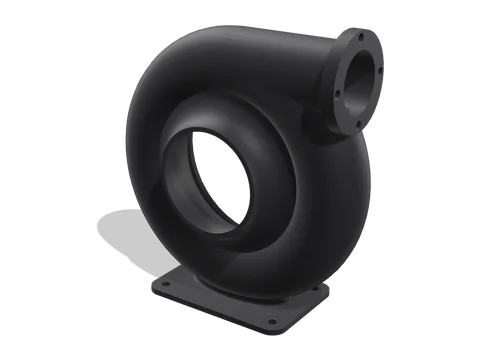
Housing
The turbo 'snail' with the air inlet at the front and the outlet on top.
- Size
- 250 × 239 × 96 mm
- Standing on its mounting flange, with tree supports.
- Filament
- ≈ 455 g
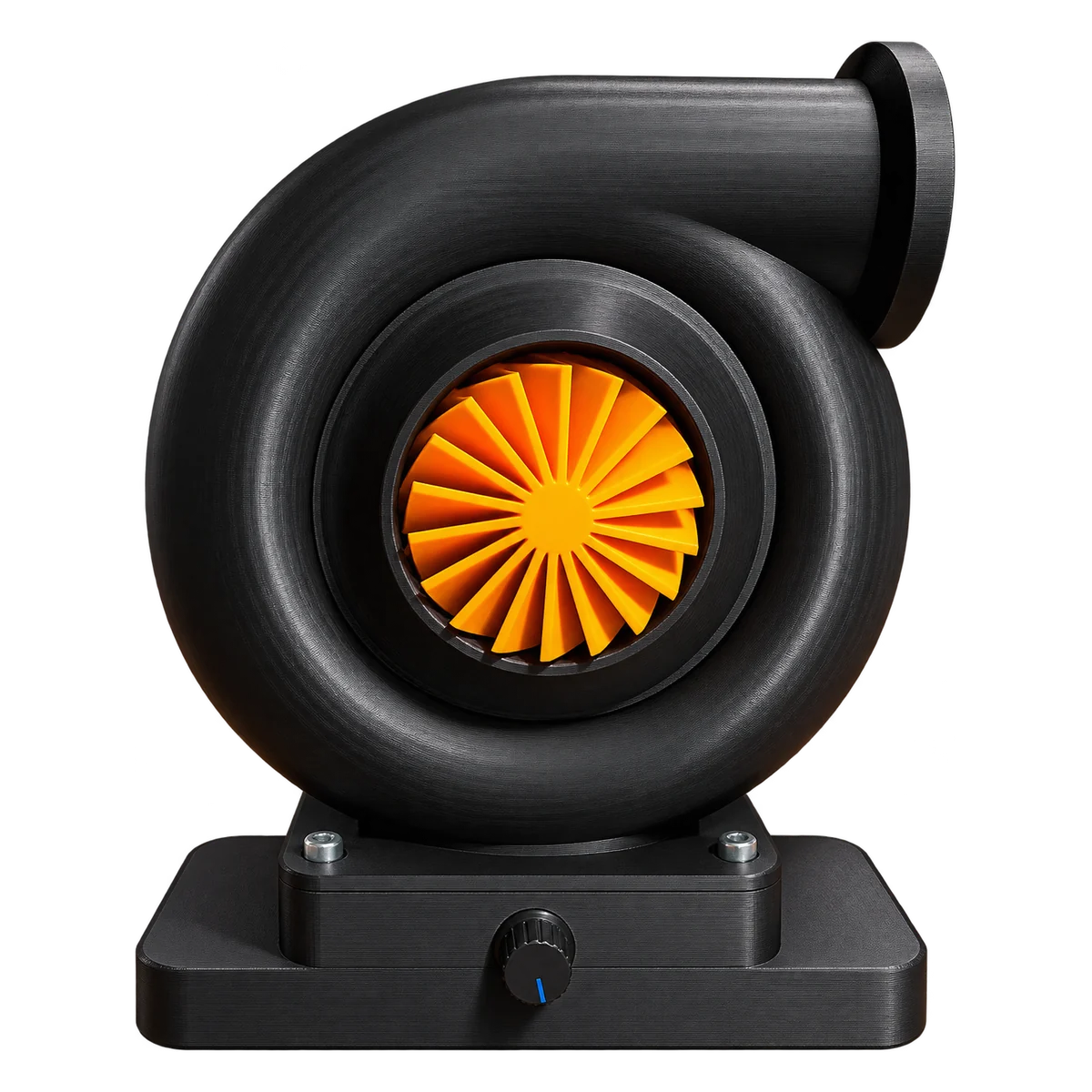
A real, working desk fan that looks like the turbo from a car engine. The impeller pulls air in through the front and the snail-shaped housing blows it out of the outlet. A knob in the base sets the speed.
Free for personal use under CC BY-NC 4.0: print it, remix it and share it with credit to Shapekit. Please don't sell the files or the prints.
Every part as you print it. Pick colours to see what your filament will look like.
Drag to rotate · scroll or pinch to zoom
Every STL is already placed the right way up. Download them all at once, or one by one.
The turbo 'snail' with the air inlet at the front and the outlet on top.

The compressor wheel that spins inside the housing. A 5 mm flange coupling screws onto its back with 4 × M3 × 10.
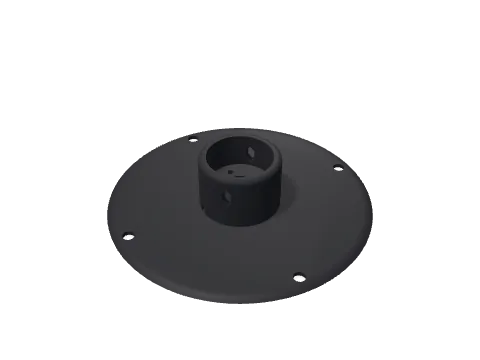
Closes the back of the housing. The motor's front face rests on a web inside the sleeve and is screwed to it with 2 × M4 × 8; slots let the motor breathe and give access to the coupling's set screw.
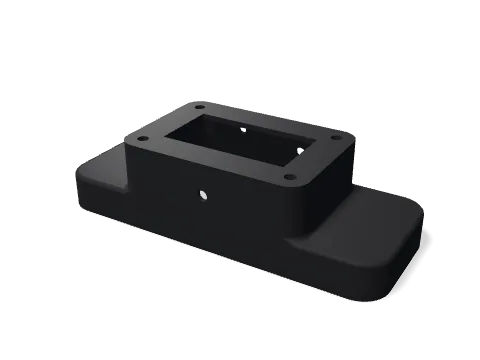
The foot, open underneath. The speed controller hangs inside on its knob (Ø7.5 mm hole in the front); the back has a Ø8 mm hole for the DC power jack and a Ø7 mm hole for the motor wires.
For a 0.4 mm nozzle. Filament amounts are estimates for these settings.
Print the housing and the base with supports, the impeller and motor holder without. Remove the supports from the inside of the housing carefully, so the impeller can turn freely. Cut the thin skin out of the three holes in the motor holder's web.
Put the controller's knob through the Ø7.5 mm hole in the front and tighten its nut; the board hangs inside. Fit the DC jack in the Ø8 mm hole at the back and wire it to the controller's power input.
Solder the wires to the motor. Slide it into the holder from the back until its front face rests on the web, the bearing boss in the centre hole, and screw it on with 2 × M4 × 8 from the plate side.
Screw the flange coupling to the back of the impeller with 4 × M3 × 10, boss pointing away from the impeller. Push it onto the shaft until the impeller is 2 mm from the holder's plate (a 2 mm hex key makes a good spacer), turn the set screw to the slot in the top of the sleeve and tighten it with a 1.5 mm hex key.
Push 4 × M6 × 20 bolts through the back flange of the housing from the inside (a strip of tape holds them), slide the holder with the motor and impeller over them and fix it with washers and nuts. Turn the impeller through the inlet: it should run free, with about 3 mm to spare at the inlet.
Bolt the housing onto the base with 4 × M6 × 20, washers and nuts from below. Lead the motor wires into the hole at the back of the base and connect them to the controller's motor output.
Start at the lowest speed and turn it up slowly. If the air comes out of the inlet instead of the outlet, swap the two motor wires.
The fan spins fast. Only run it fully assembled, keep fingers out of the inlet and start at the lowest speed. Use a plug-in power adapter unless you know how to work safely with mains power.
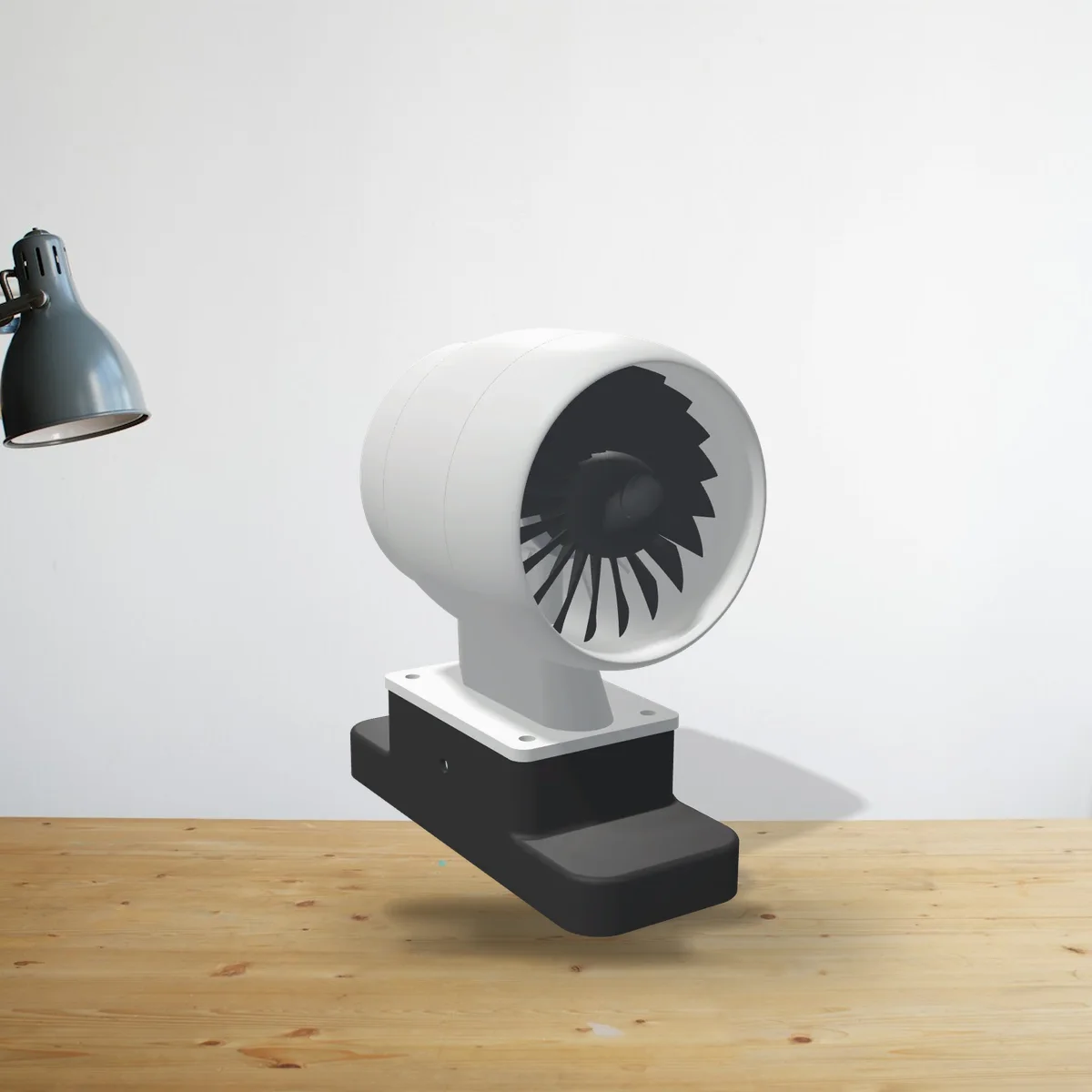
A turbofan with 20 swept blades. Fits the Turbo Desk Fan's base and prints without supports.
View and download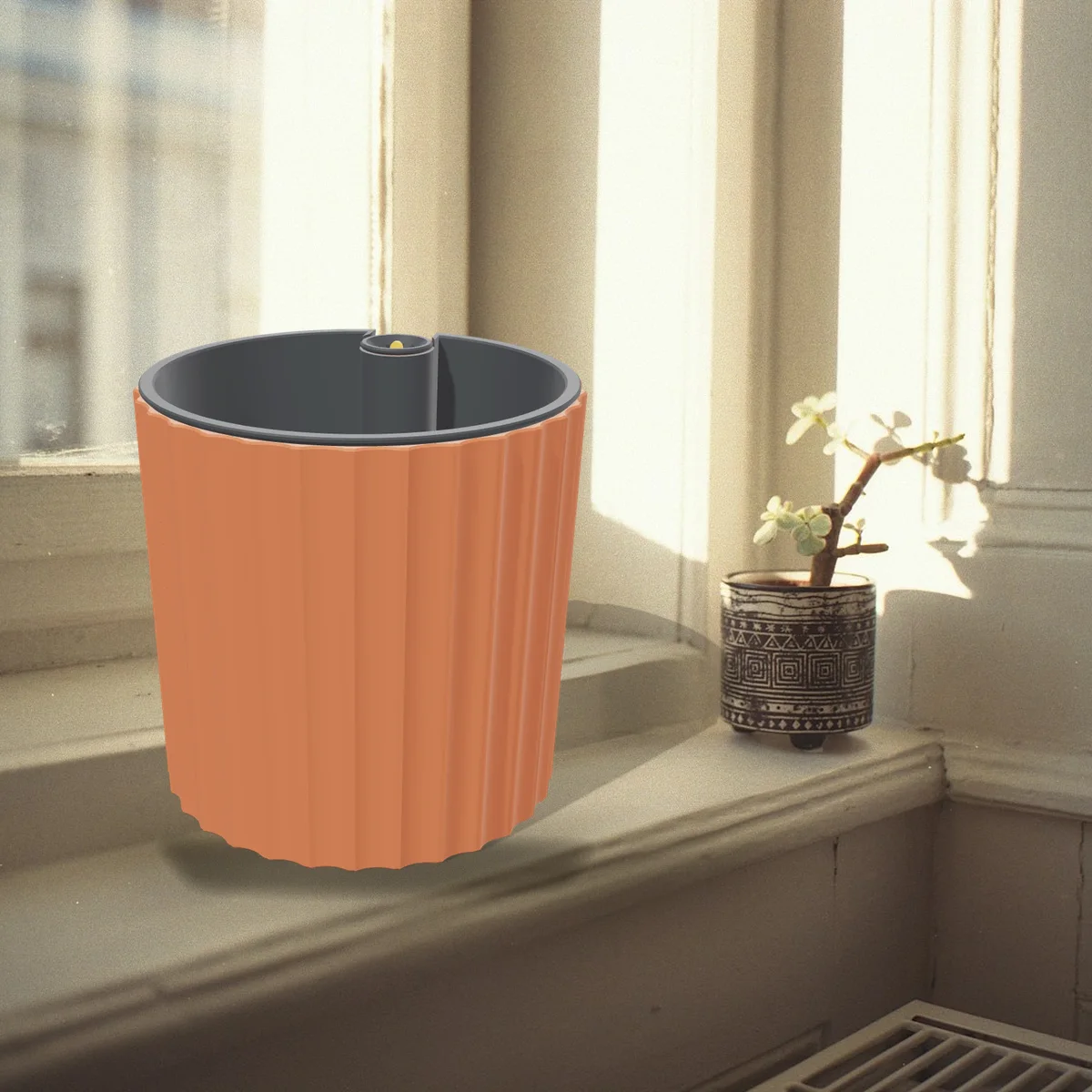
A fluted planter for a 12 cm plant, with a hidden 0.6 litre reservoir and a float that shows the water level.
View and download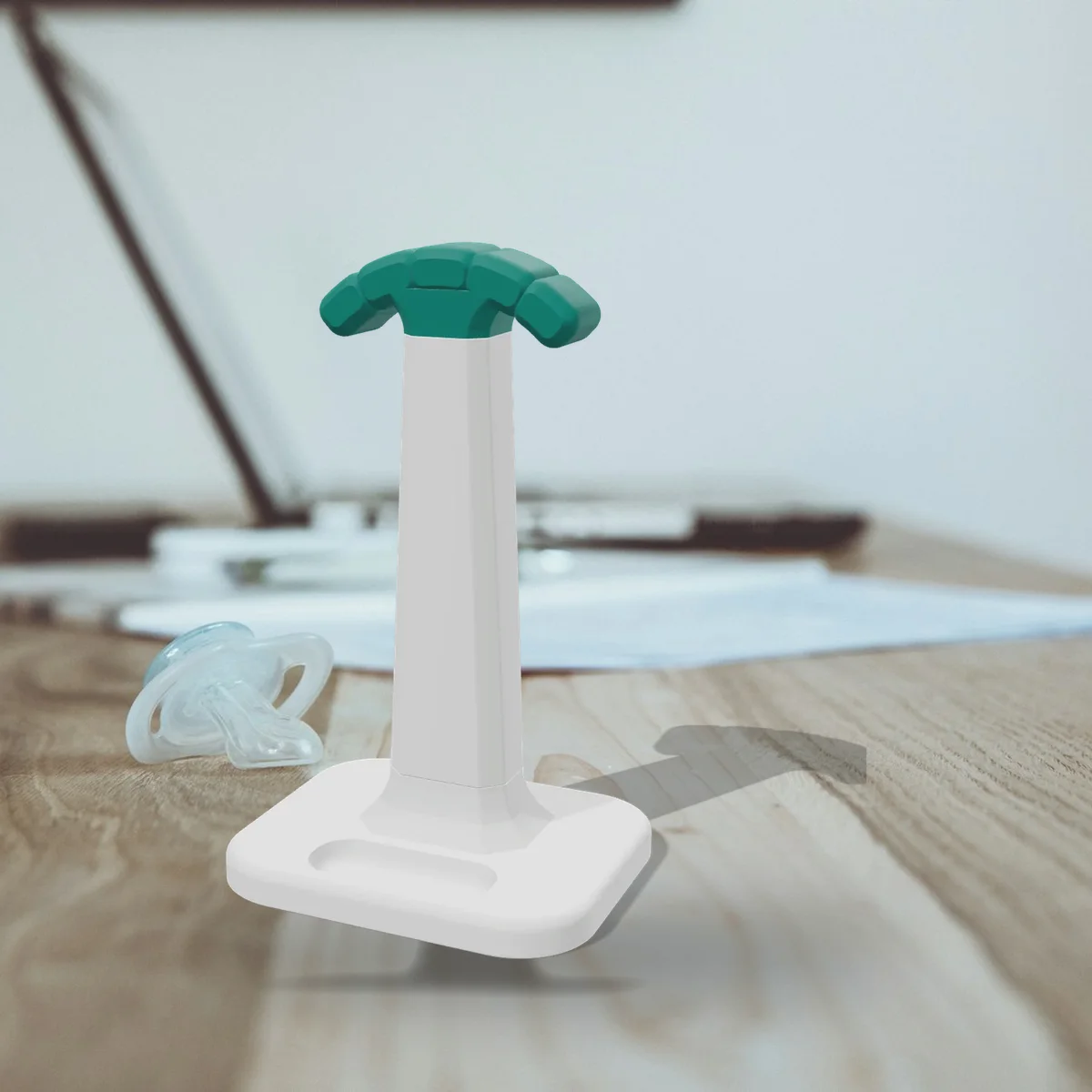
A sturdy headphone stand with a bayonet base, a cushioned hanger, an earbud tray and a cable hook.
View and download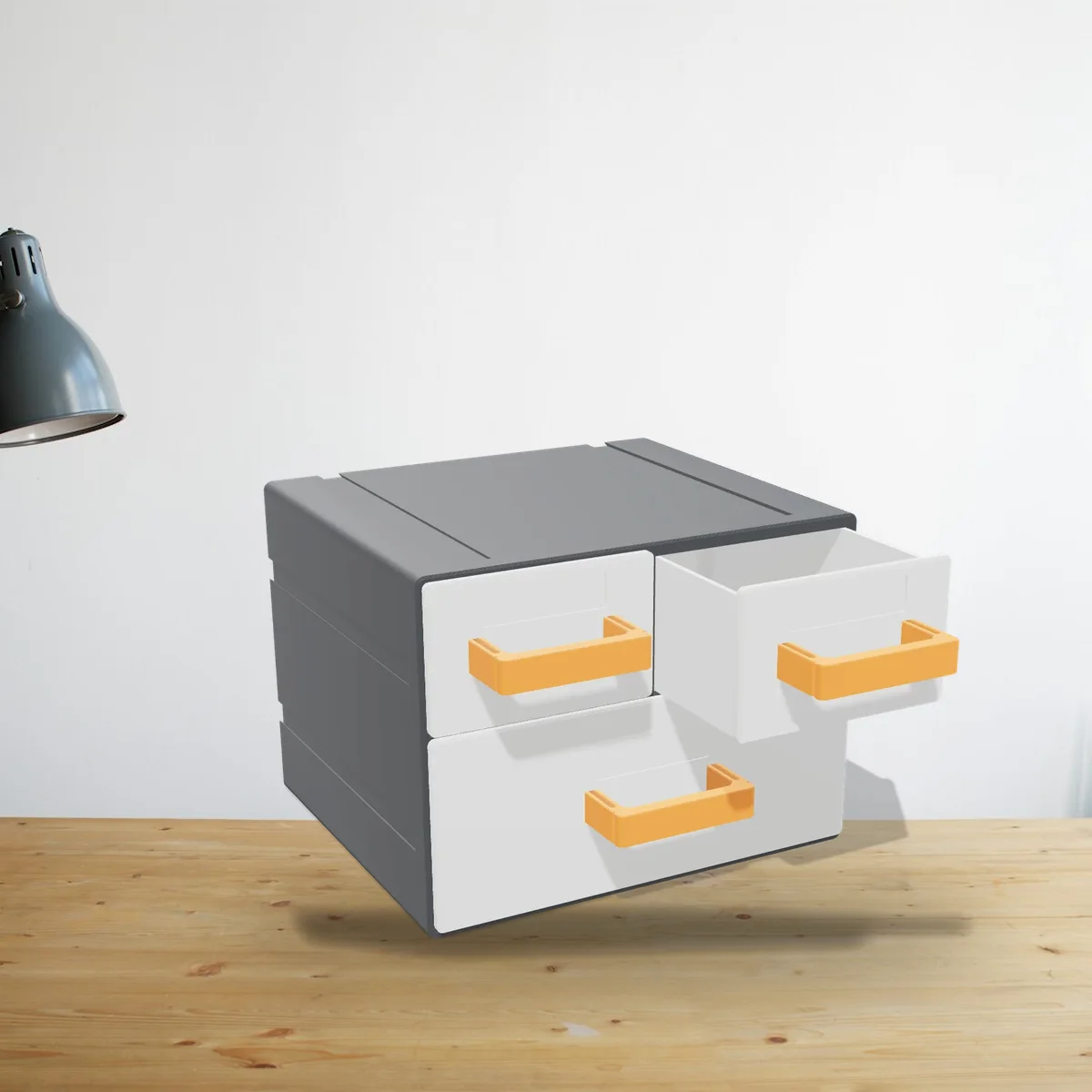
Two small drawers and a wide one, with drawer stops and clip-on handles. Stack or link as many as you like.
View and download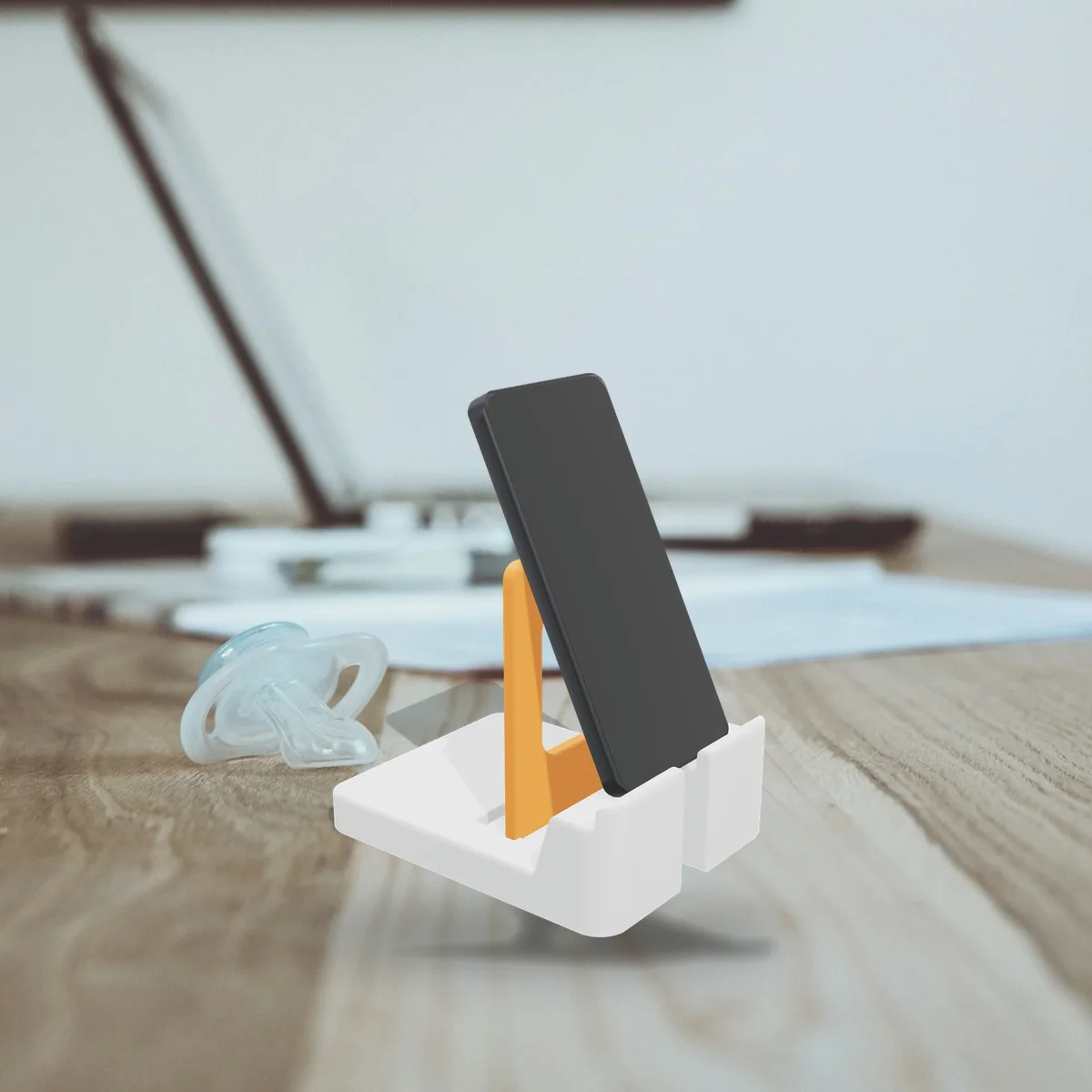
Plug the back in at 55, 65 or 75 degrees. Fits phones and tablets in a case, with a slot for the charging cable.
View and download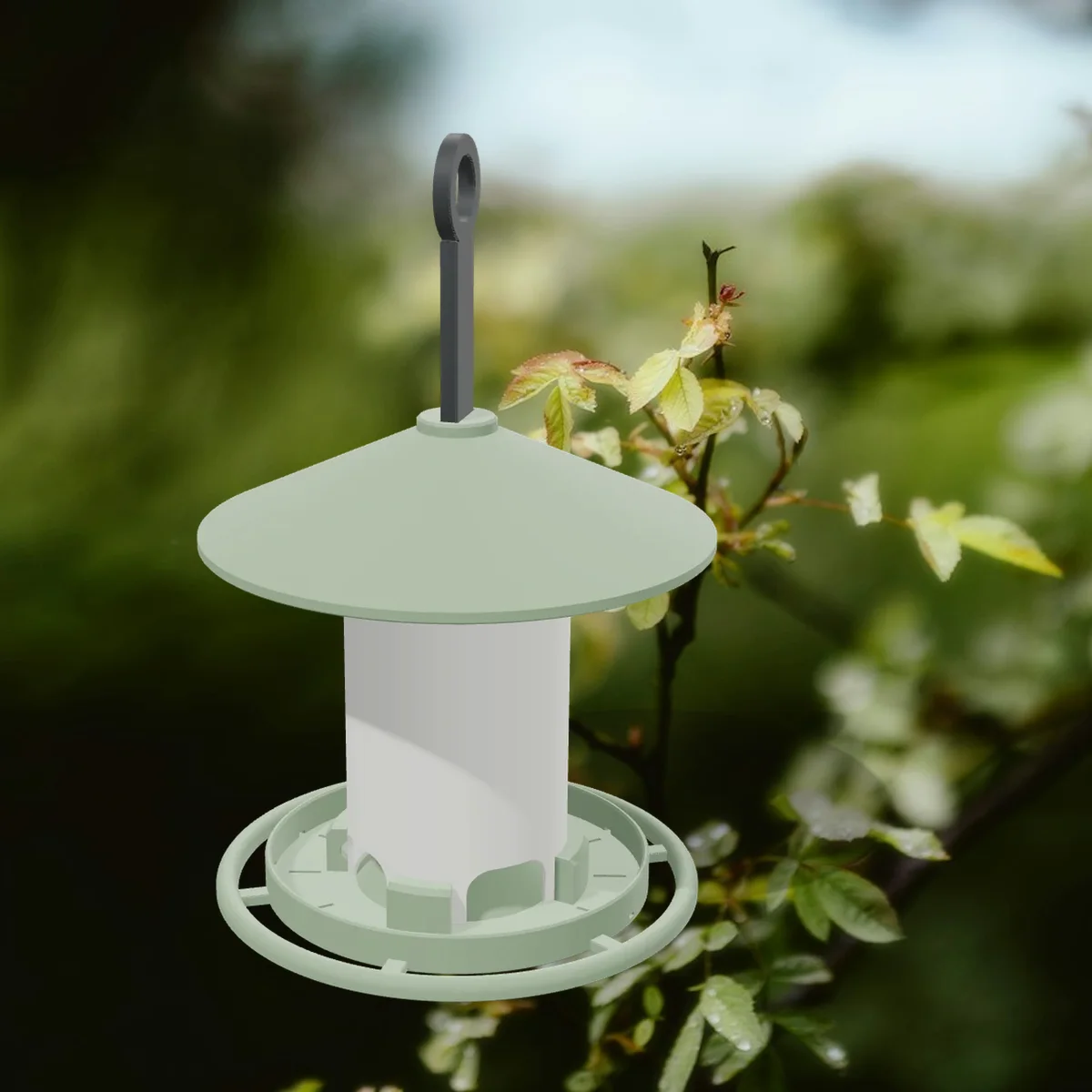
A hanging seed feeder with a twist-lock tube, a perch ring and a roof that slides up to refill.
View and download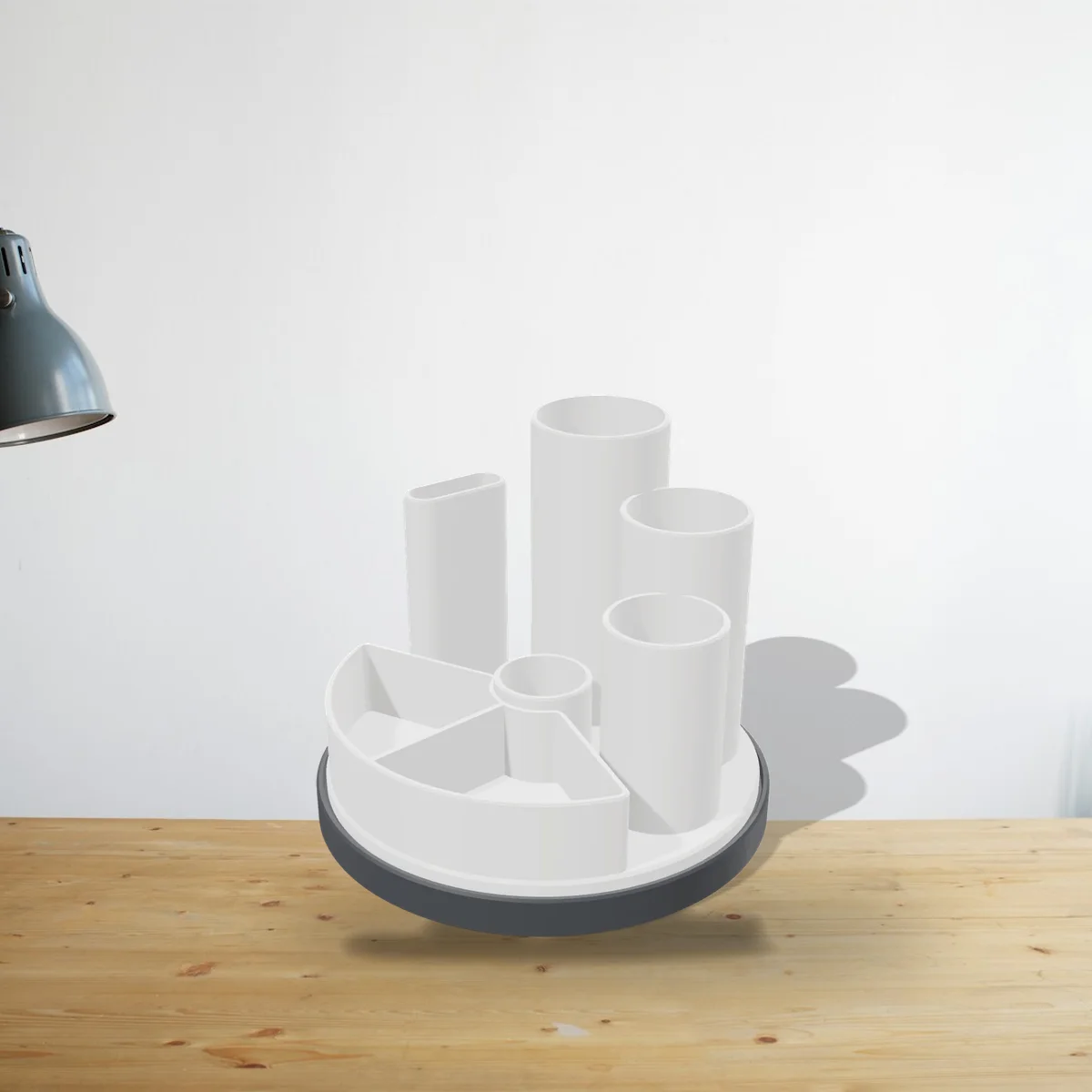
Pen cups, a scissor slot and a tray on a base that spins smoothly on 6 mm airsoft BBs.
View and download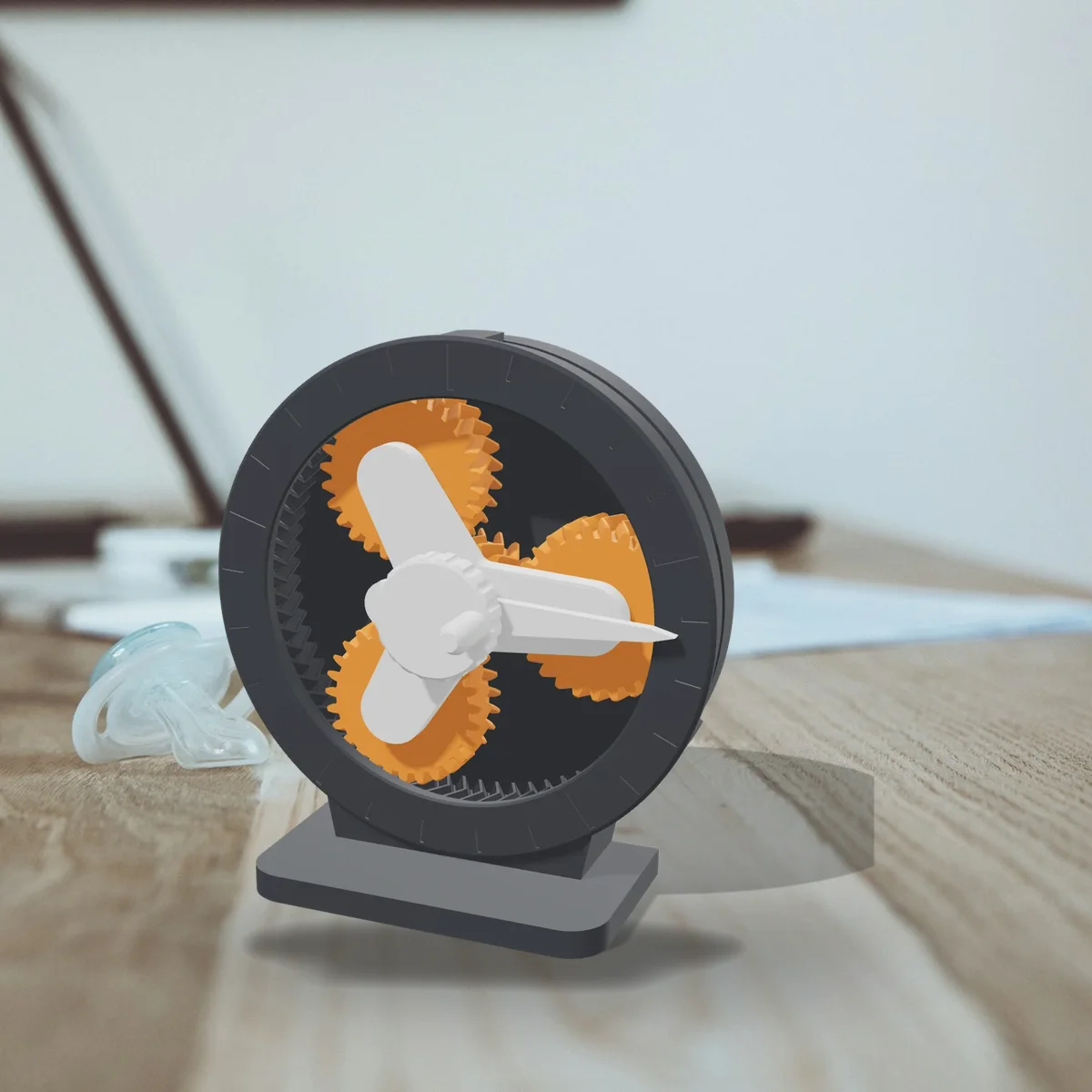
A hand-cranked 5:1 planetary gearbox with herringbone teeth. Clicks together and prints without supports.
View and download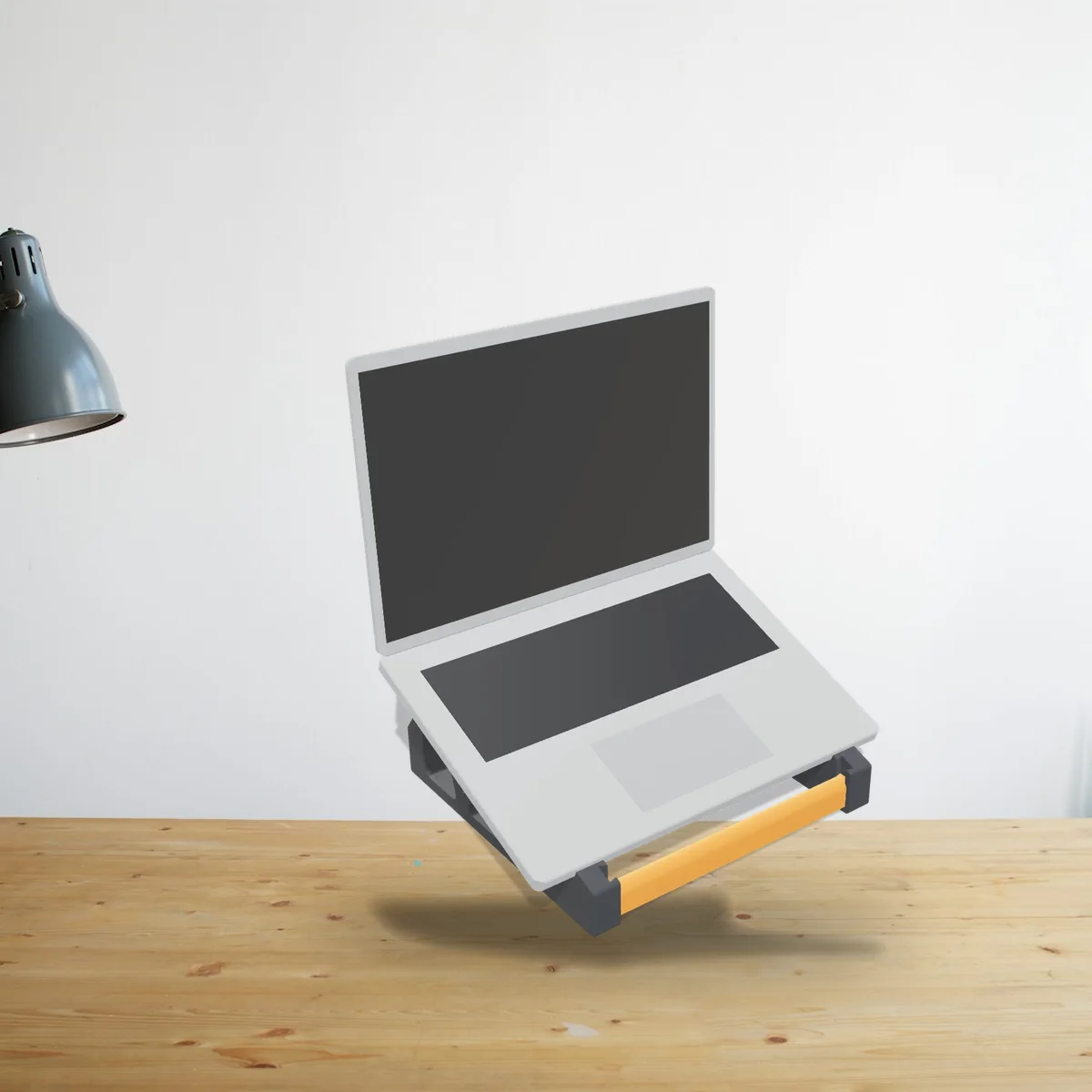
Lifts your screen about 12 cm at a 20° tilt. Fits 11 to 16 inch laptops; the cross bars wedge in, no screws.
View and download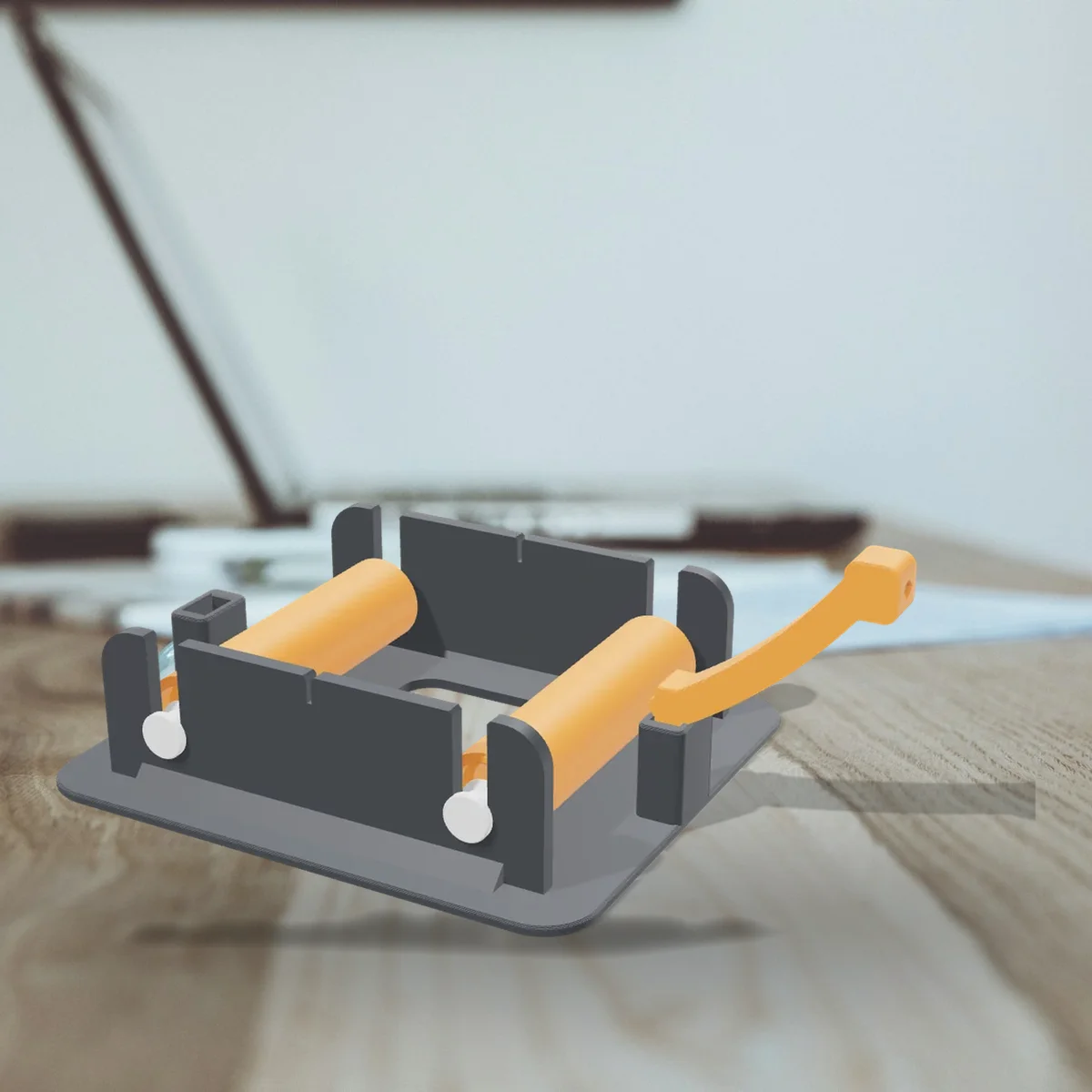
Rolls any spool from 250 g to 3 kg on four 608 skate bearings, with a filament guide. Any hub size.
View and download
Put your own photo in a phone case, lamp shade or lithophane, right in your browser.
Open the makers