Free 3D model

Iris Box

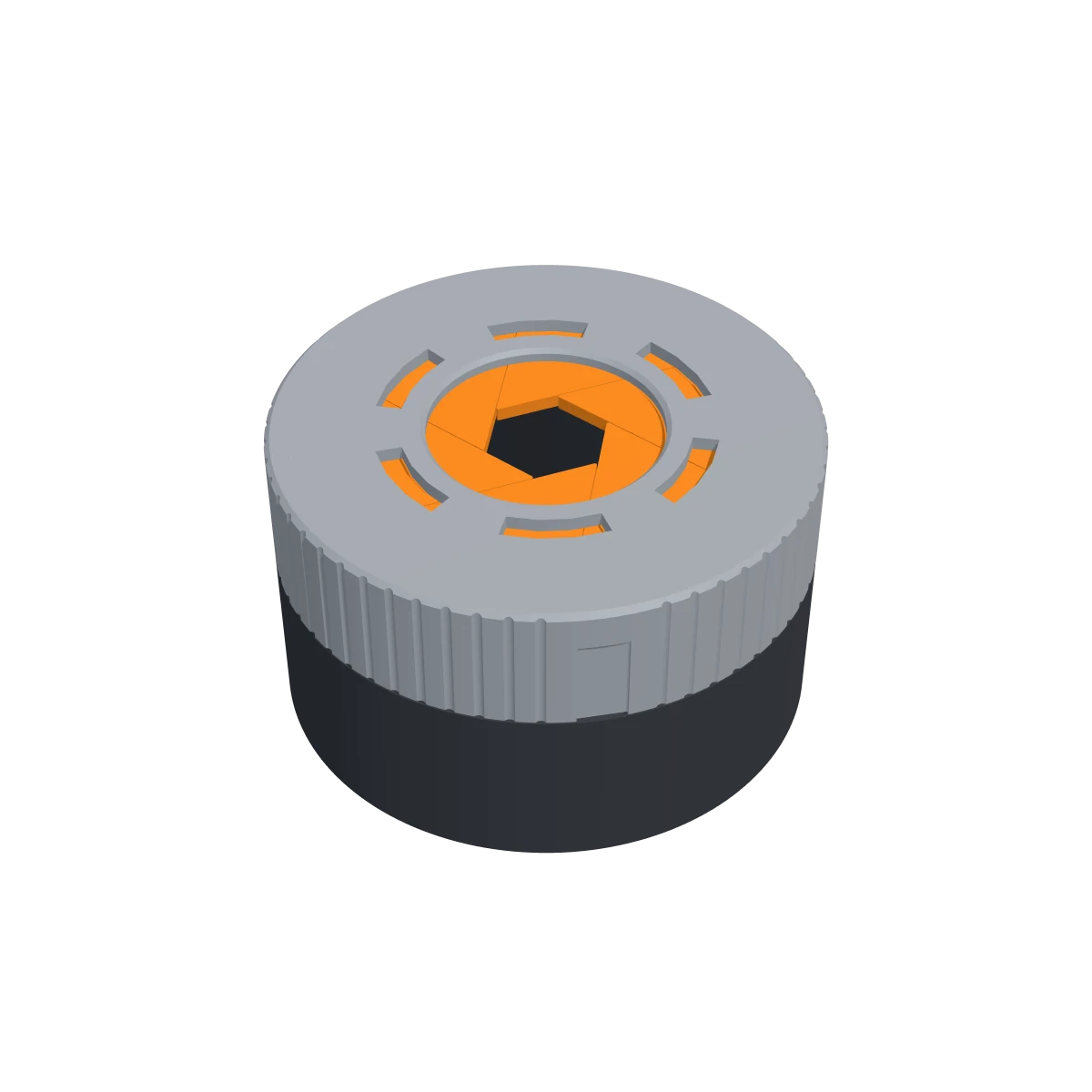
A round box with a lid that opens like the iris of a camera. Turn the ring an eighth of a turn and six blades slide apart from the middle until the opening is 50 mm wide; turn it back and they close to a point. Every blade runs on a straight rail in the deck of the box and is moved by a pin under the ring. Eight printed pieces from three files: the box, the ring and six of the same blade. The ring clicks on, so there are no screws and no glue, and nothing needs supports.

  • 8printed parts
  • 12 × 12 × 7 cmassembled (L × W × H)
  • ≈ 0.2 kgfilament in total
  • 116 × 116 mmbed size needed for the box and the ring; the box is 65 mm tall
Download all files ZIP · 0.2 MB

Free for personal use under CC BY-NC 4.0: print it, remix it and share it with credit to Shapekit. Please don't sell the files or the prints.

Take it apart in 3D · Parts · How to build it

In 3D

Turn it, take it apart

Every part as you print it. Pick colours to see what your filament will look like.

The 3D model (0.6 MB) loads when you get here.

Preview colours

Box
Blades
Ring

Drag to rotate · scroll or pinch to zoom

In the download

3 parts, ready to print

Every STL is already placed the right way up. Download them all at once, or one by one.

Box

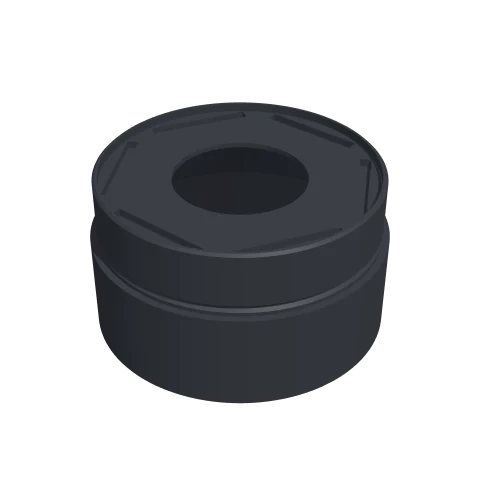
The box, 116 mm across and 65 mm tall, with the deck the blades slide on. Six straight pockets in the deck are the rails of the blades; the groove round the outside holds the hooks of the ring.

Size
116 × 116 × 66 mm
Print
Upright. No supports: the deck stands on a 45° shoulder inside the box.
Filament
≈ 133 g
STL 0.3 MB: Box

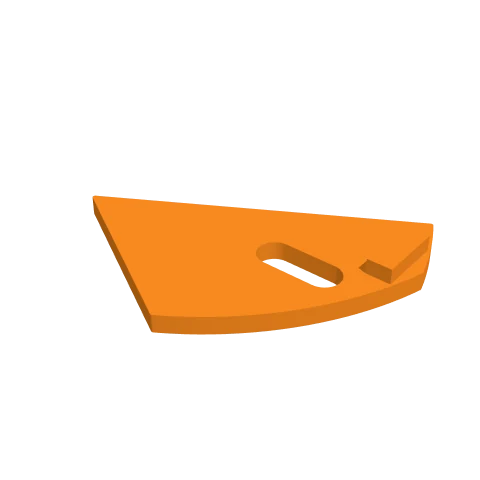
Blade × 6

One sixth of the lid. The tongue underneath runs in a pocket of the deck, the short slot takes a pin of the ring. Print six.

Size
50 × 42 × 6 mm
Print
Top face on the bed, tongue up. No supports.
Filament
≈ 22 g
STL 28 KB: Blade

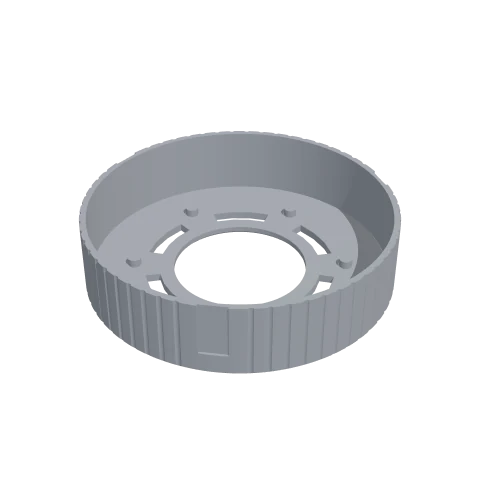
Ring

Turns the six blades with six pins under its top; through the six windows you see the blades slide. Three springy arms in the skirt click into the groove of the box and keep the ring on while it turns.

Size
116 × 116 × 28 mm
Print
Top face on the bed, skirt up. No supports.
Filament
≈ 55 g
STL 0.3 MB: Ring
Also needed

Parts you buy

  • Nothing: no screws, no glue, no magnets and no springs.
Print settings

Slicer settings

0.20 mmlayer height
3walls
15%infill
PLA or PETGmaterial

For a 0.4 mm nozzle. Filament amounts are estimates for these settings.

Assembly

How to build it

Print

Print the box and the ring once and the blade six times. Nothing needs supports. Turn on elephant's foot compensation, or scrape the bottom edge of the blades: they have to lie against each other.

Check the rails

Lay one blade on the deck with its tongue in a pocket and slide it to and fro. It should run freely over its whole travel. If it catches, scrape the deck round the hole flat.

Lay the six blades

Put all six blades on the deck, each with its tongue in a pocket, and push them together until their tips meet in the middle.

Click the ring on

Hold the ring over the box and lower it until its pins rest on the blades. Turn it a little to and fro until the six pins drop into the six slots, then press down until the three arms click into the groove.

Open and close

Turn the ring to the left, seen from above, to open the box, and to the right to close it. To take the box apart, pull the ring straight up.

A box for small things, not a child-proof lock. Don't press on the closed blades.

Good to know

How does the iris open?

The lid is a disc cut into six wedges. Each wedge slides in a straight line, square to its own centre line, on a rail in the deck of the box. Moved that way the six blades stay against each other and the hole between them is a hexagon that grows as they slide. Six pins under the ring push the blades along their rails when you turn it.

How big is the box and the opening?

The box is 116 mm across and 68 mm tall with the ring on. The opening is 50 mm wide when the iris is fully open, and the space inside is about 110 mm across and 30 to 57 mm high.

Does it need supports or screws?

No. The three files print without supports, and the ring holds itself on the box with three printed snap arms. You can pull it off again to take the blades out.

How much filament does it take?

About 210 g: most of it is the box. A blade takes about ten minutes to print.

Can I print it bigger or smaller?

Scaling the three files by the same factor keeps the mechanism working, but the clearances scale too. Up to 150% works well; under 80% the 0.2 mm gaps get too tight for most printers.

The blades don't close neatly. What can I do?

The blades guide each other along their straight edges, so a blob on one edge shows as a gap. Scrape the edges and the first layer of each blade, and make sure all six tongues sit in their pockets before the ring goes on.